Where Great Sound Begins
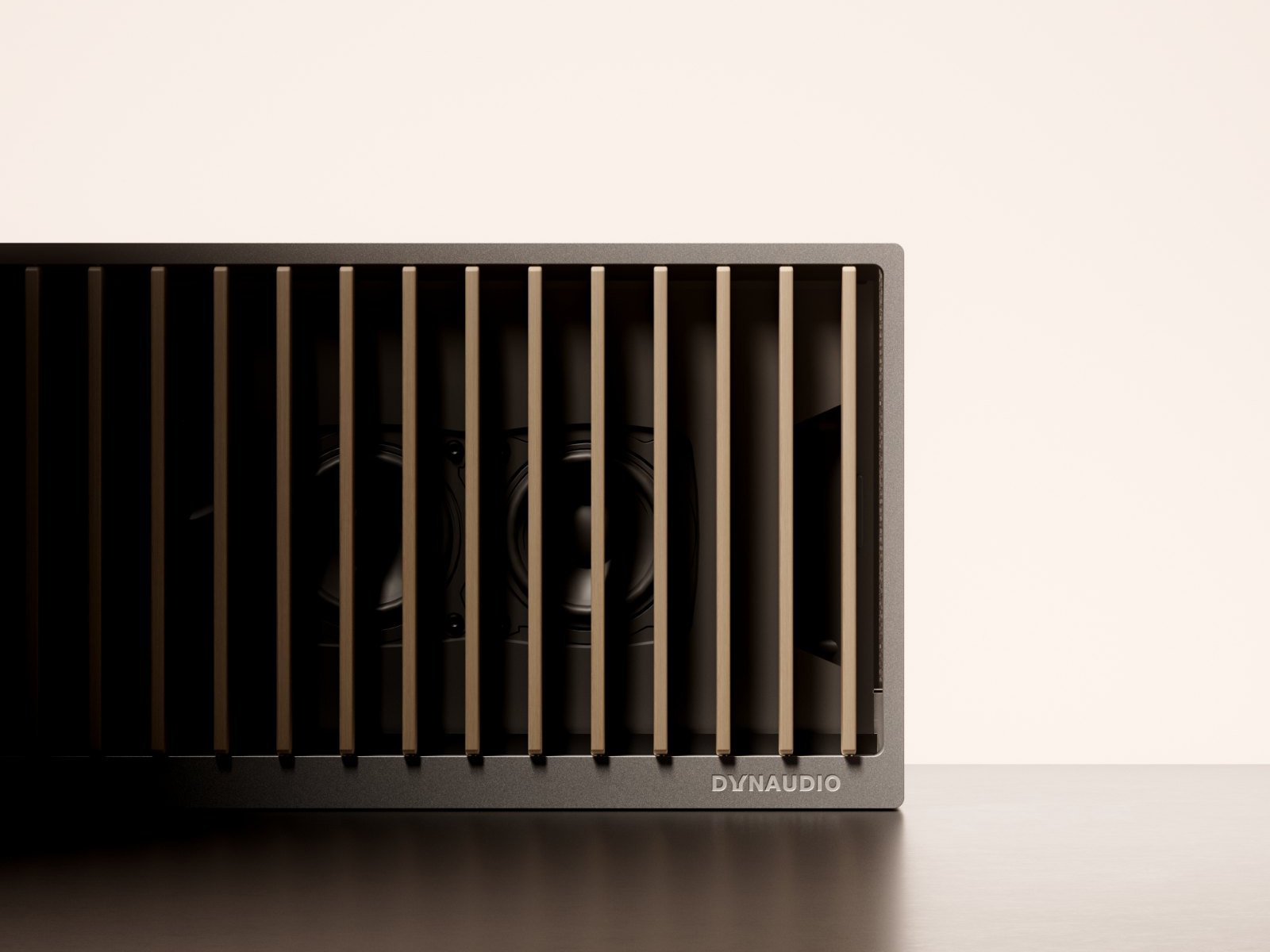
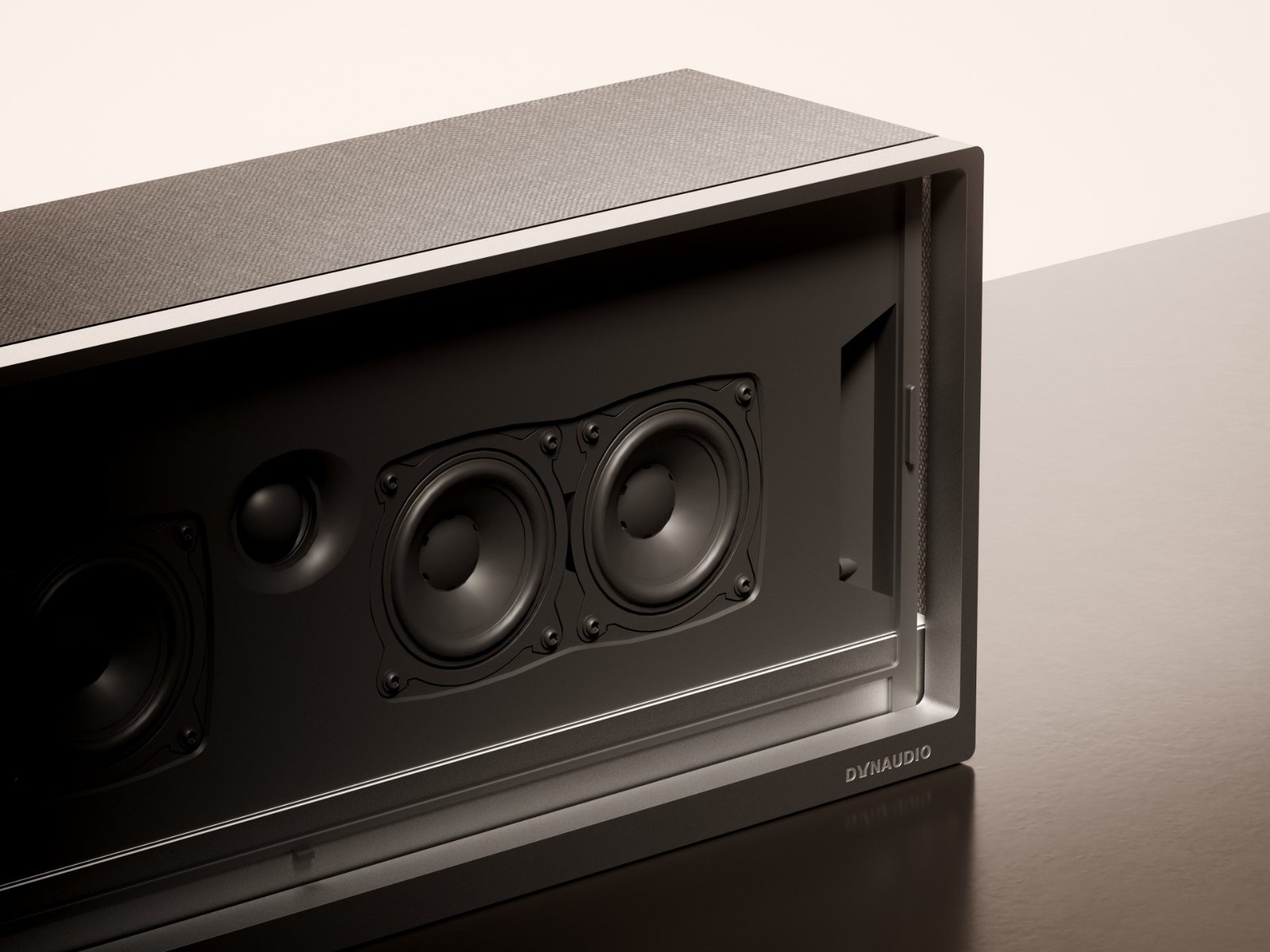
At Dynaudio, exceptional sound starts with the driver. Every diaphragm, voice coil, magnetic system, and tuning process is developed and refined in-house to ensure complete control over acoustic performance.
The 24 custom-engineered Hi-Fi drivers in Opus One are precisely positioned to form a true three-dimensional soundstage, including dedicated height and surround channels. Together they reproduce not only detail and dynamics, but also the space, emotion, and realism of every performance.
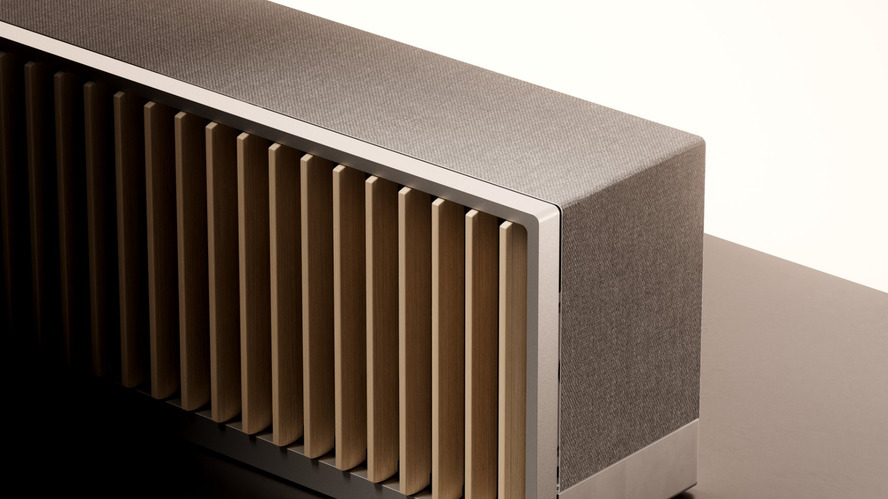
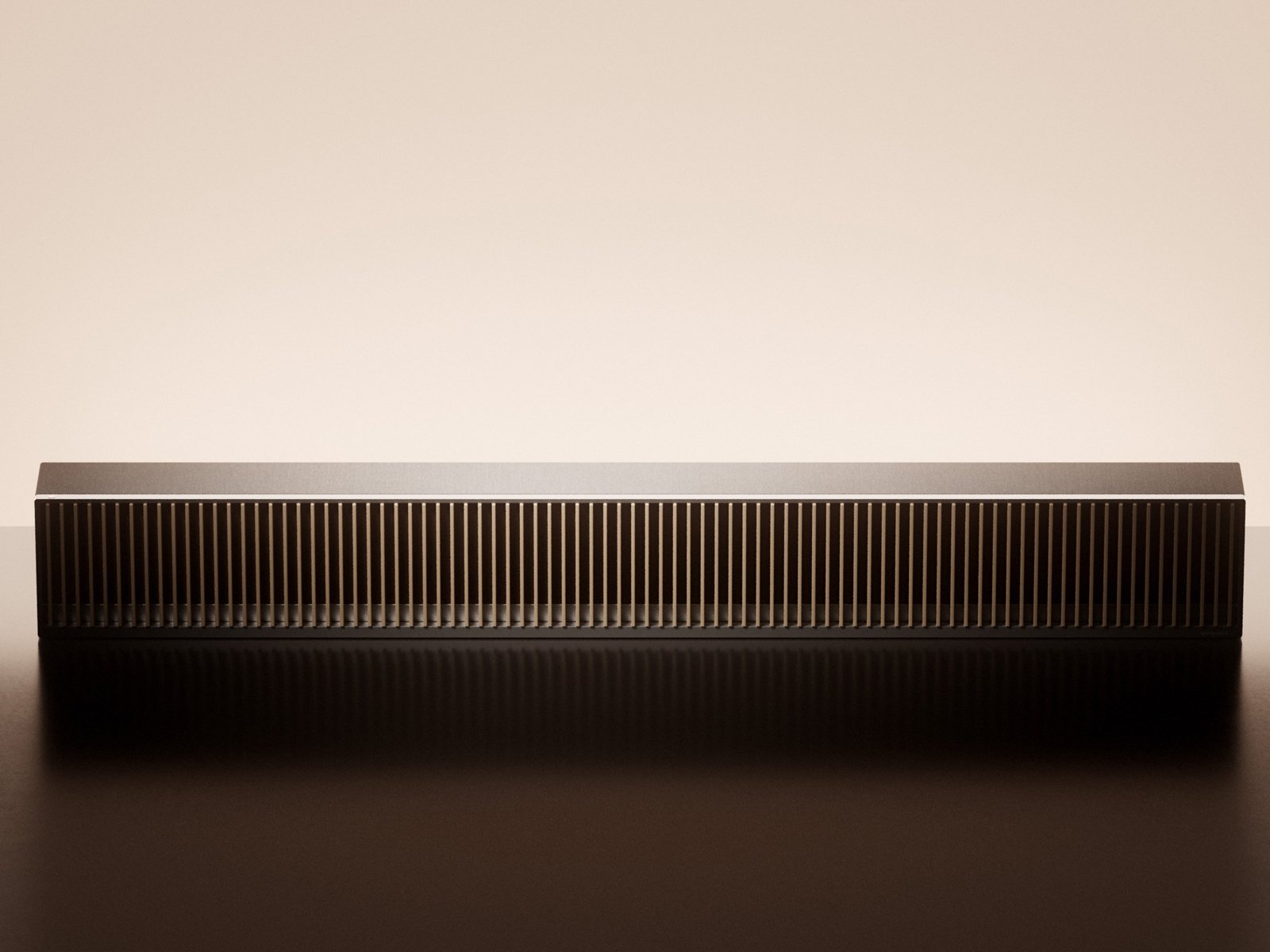
Living Wooden Fins
The 72 solid-wood fins are handcrafted by Karimoku, Japan’s renowned woodworking specialist. Made from carefully selected Hokkaido timber or sustainably sourced North American hardwood, each piece is individually finished to bring warmth and timeless character to the product.
Driven by 72 independent motors, the fins move gracefully in response to system status and user interaction. More than a design statement, they create a distinctive ritual that makes music both visible and tangible.
Designed Like Architecture
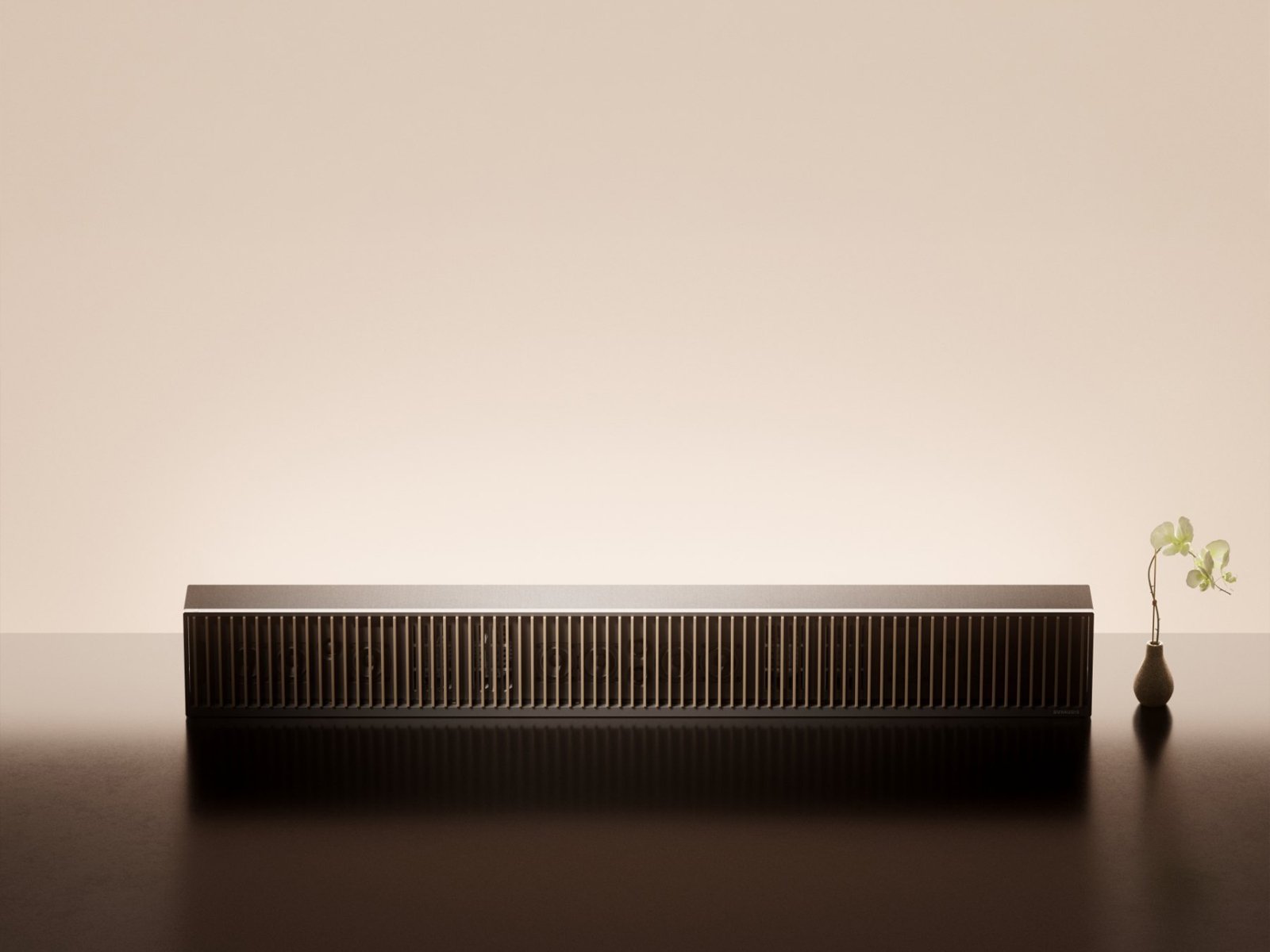
Rather than resembling conventional consumer electronics, Opus One is designed as a piece of architectural furniture. A seamless aluminium body, natural wood, premium wool fabric, and refined proportions combine to create a timeless presence that complements contemporary living spaces.
Every material and every line is chosen to enhance both acoustic performance and visual harmony.
A Music-Centred Experience
Opus One comes with the Symphony Remote, featuring a precision-machined aluminium body, a high-resolution display, and intuitive physical controls centred around a tactile rotary dial.
Together with the Dynaudio Symphony app, it provides seamless access to music, system settings, and future ecosystem features — creating a simple, unified listening experience.
Interfaces

- 01 AC Power input
- 02 HDMI eARC port
- 03 Ethernet port
- 04 Line input
- 05 USB-C port
Buttons and Control

- 01 Multi-function button
- 02 Volume down button
- 03 Volume up button
- 04 Combination buttons
- Power on or wake up Single press.
- Pause or resume Single press.
- Skip to the next track Double press.
- Skip to the previous track Triple press.
- Enter standby mode Long press for 3 seconds.
- Enter pairing mode Long press for 7 seconds.
- Volume down Single press to decrease volume stepwise. Long press to decrease volume continuously and rapidly.
- Volume up Single press to increase volume stepwise. Long press to increase volume continuously and rapidly.
- Force restart Press and hold “Multi-function” and “Volume down” simultaneously for 3 seconds.
Connections
After positioning Opus One in its intended location, or during the installation of the official Opus One stand (refer to the Opus One Stand Installation Manual), connect the system using the included cables.
- Disconnect your TV from any existing home theatre or external audio system.
- Connect external source devices, such as a streaming player or Blu-ray player, directly to your TV.
- Turn on your TV before setup.
Connect the included power cable to the AC input port, then plug it into a grounded mains outlet (100-240 V~, 50/60 Hz).
For safety and optimal performance, use only the included power cable.

Connect the included A/V cable between Opus One and your TV's HDMI eARC/ARC port.
For the best audio experience, use an HDMI eARC connection. Depending on your TV model, HDMI-CEC may need to be enabled in the TV settings.

Connect an Ethernet cable for a stable wired network connection.
Connect an analogue audio source using a 3.5 mm stereo cable.