Night mode: compresses dynamic range to reduce sudden loud volumes. Voice enhancement: enhances dialogue clarity against background sound.
Opus One
Overview
Welcome to the Era of the Home Concert Hall
For nearly fifty years, Dynaudio has pursued one goal: reproducing sound as faithfully as possible. From driver engineering and acoustic architecture to system tuning, every critical technology is developed in-house.
Bring the Concert Hall Home
For nearly fifty years, Dynaudio has pursued one goal: reproducing sound as faithfully as possible. From driver engineering and acoustic architecture to system tuning, every critical technology is developed in-house.
Unlike conventional TV-focused home theatre systems, Opus One is built around a music-first philosophy. Its architectural 1.86-metre design integrates 24 independently engineered Hi-Fi drivers, advanced spatial processing, and Dynaudio?s acoustic expertise to create an immersive, natural soundstage that brings the concert hall into your home.
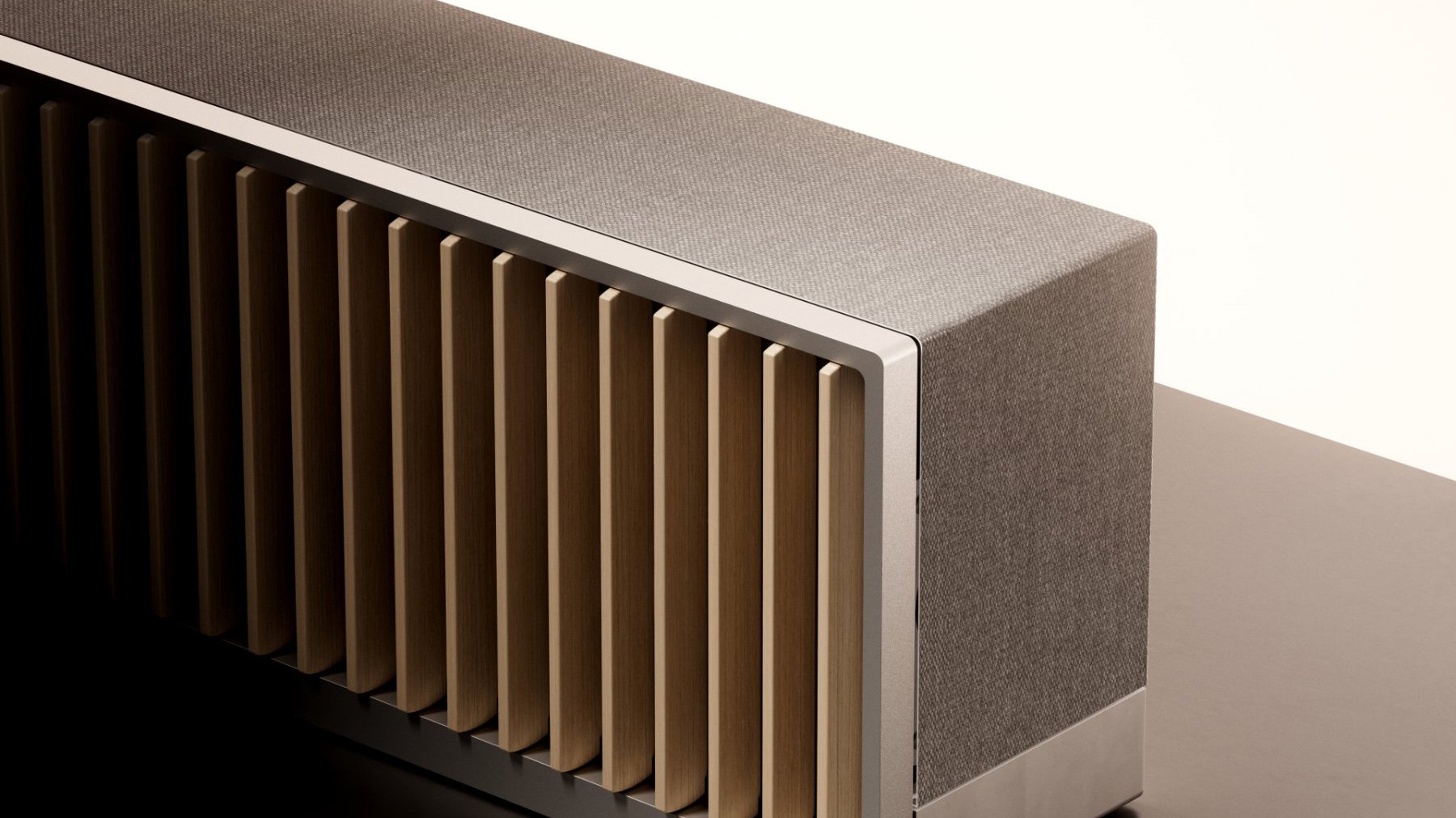
Where Great Sound Begins
At Dynaudio, exceptional sound starts with the driver. Every diaphragm, voice coil, magnetic system, and tuning process is developed and refined in-house to ensure complete control over acoustic performance.
The 24 custom-engineered Hi-Fi drivers in Opus One are precisely positioned to form a true three-dimensional soundstage, including dedicated height and surround channels. Together they reproduce not only detail and dynamics, but also the space, emotion, and realism of every performance.
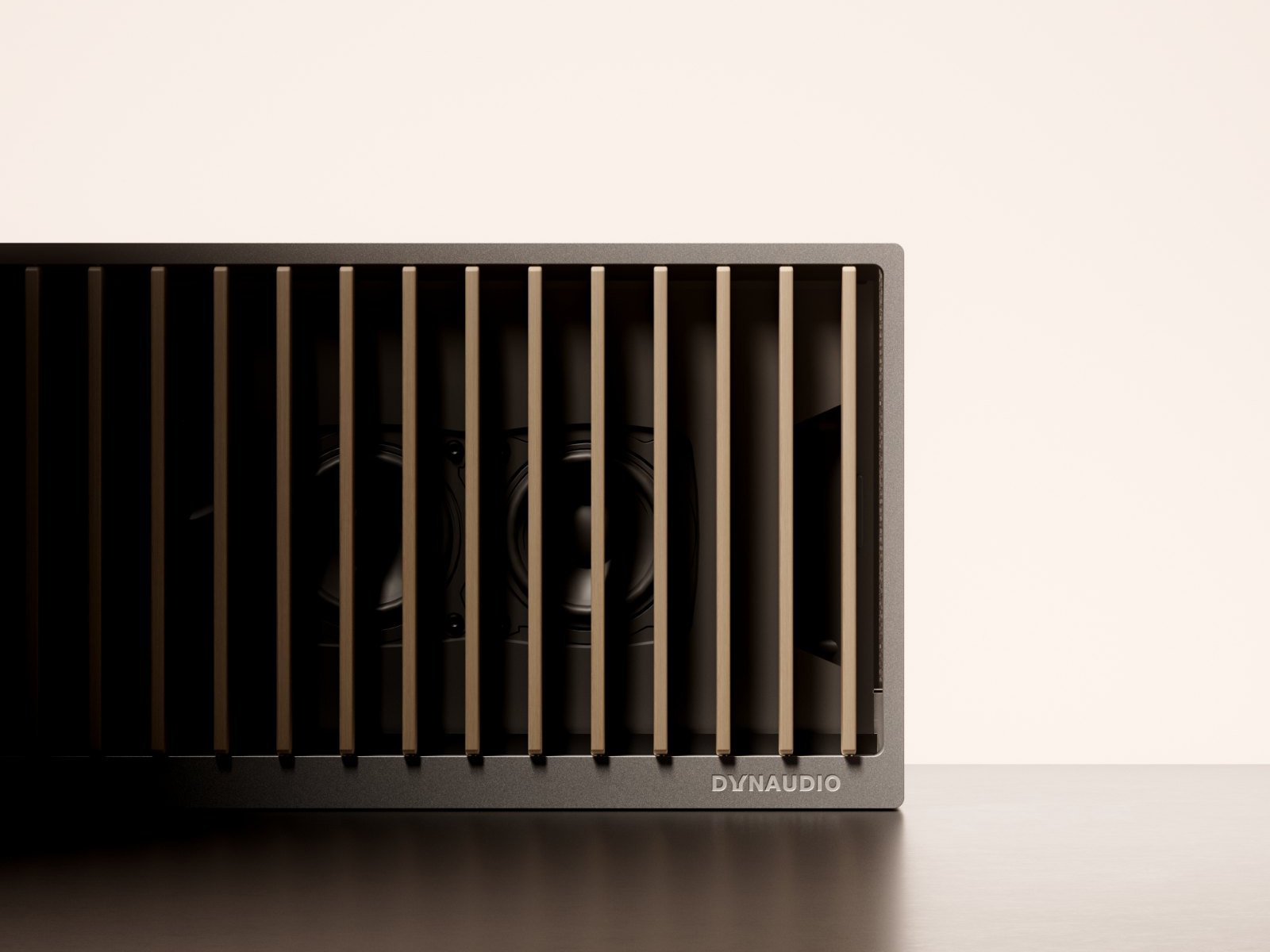
Living Wooden Fins
The 72 solid-wood fins are handcrafted by Karimoku, Japan’s renowned woodworking specialist. Made from carefully selected Hokkaido timber or sustainably sourced North American hardwood, each piece is individually finished to bring warmth and timeless character to the product.
Driven by 72 independent motors, the fins move gracefully in response to system status and user interaction. More than a design statement, they create a distinctive ritual that makes music both visible and tangible.
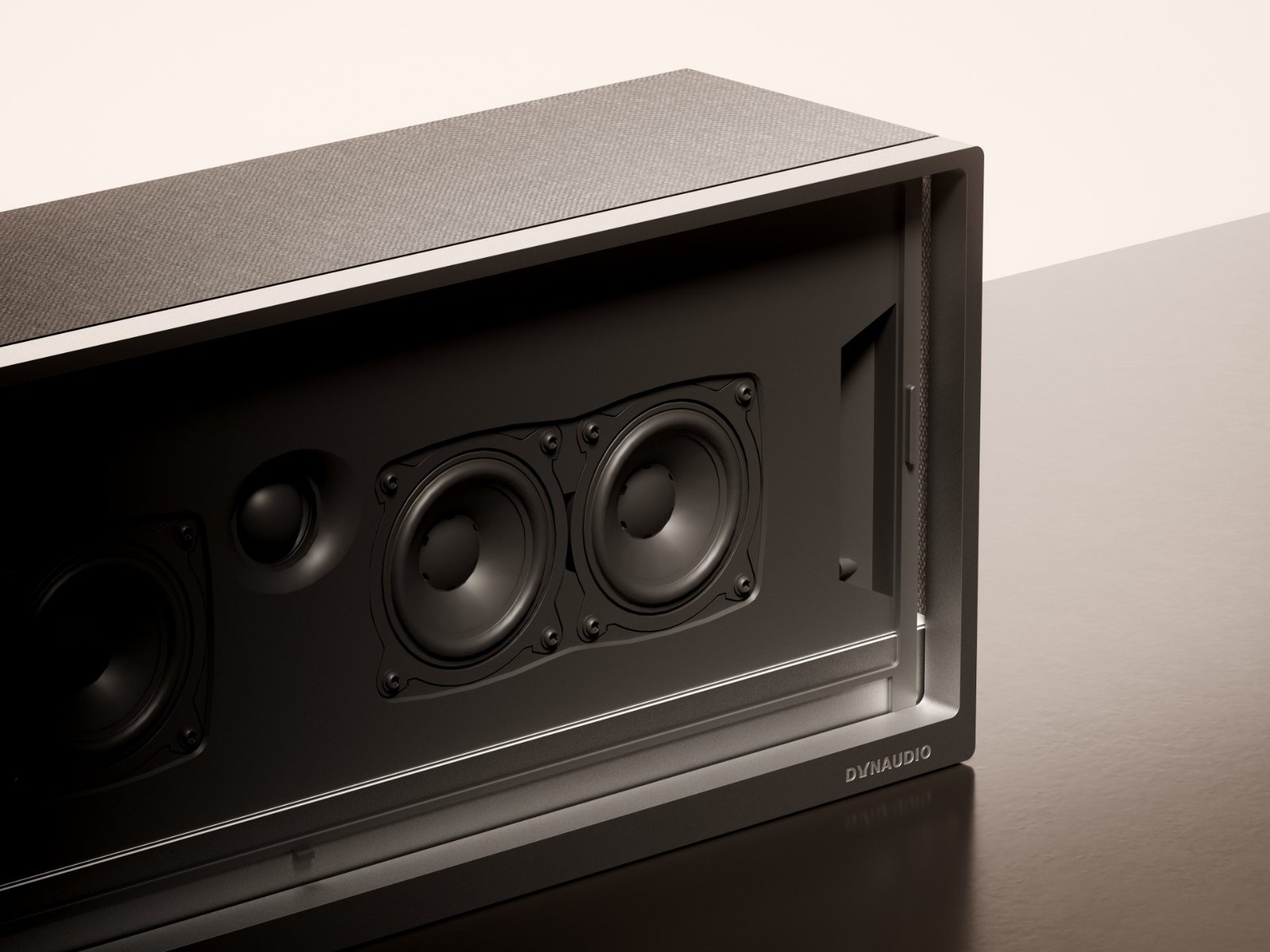
Designed Like Architecture
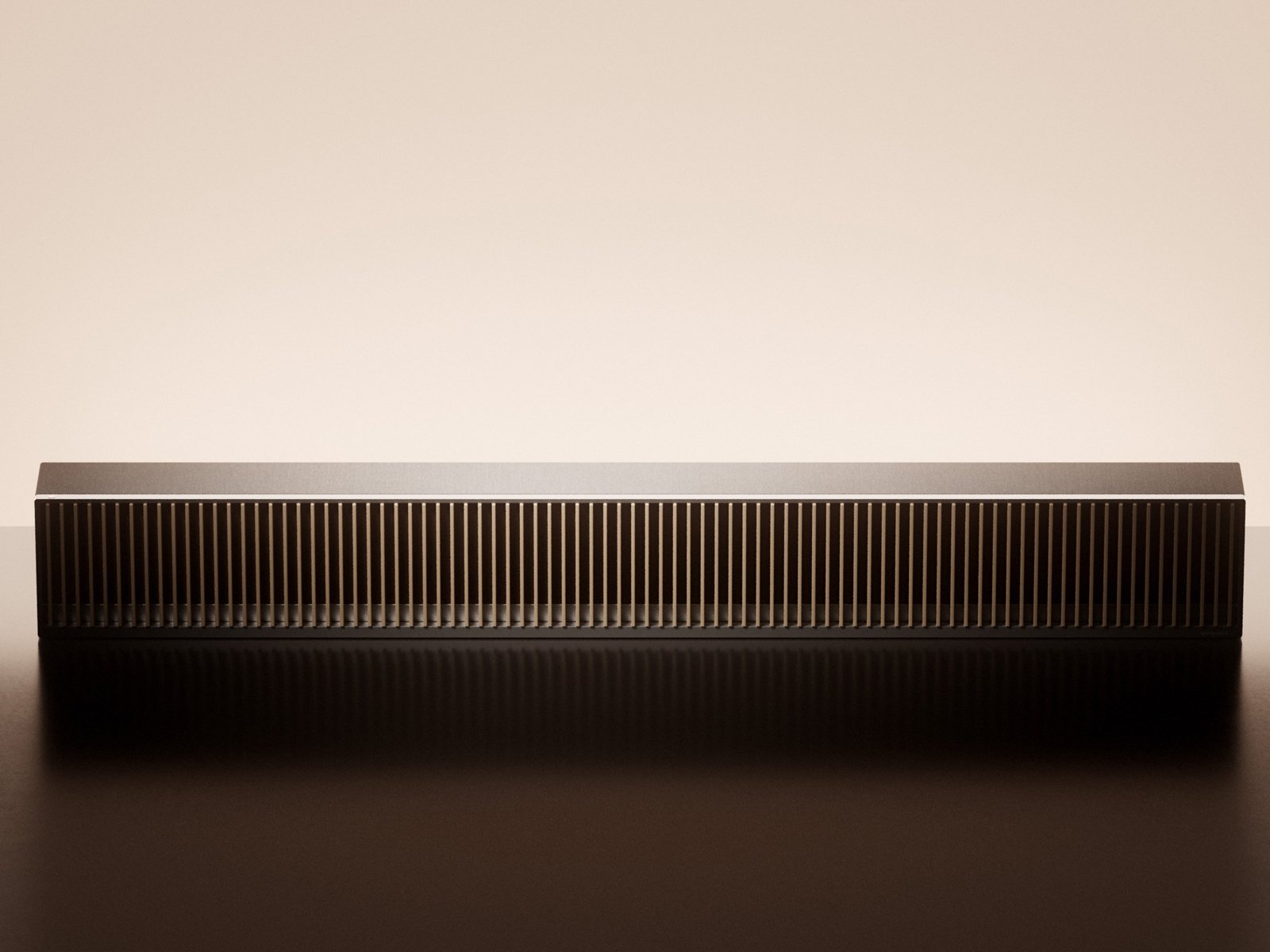
Rather than resembling conventional consumer electronics, Opus One is designed as a piece of architectural furniture. A seamless aluminium body, natural wood, premium wool fabric, and refined proportions combine to create a timeless presence that complements contemporary living spaces.
Every material and every line is chosen to enhance both acoustic performance and visual harmony.
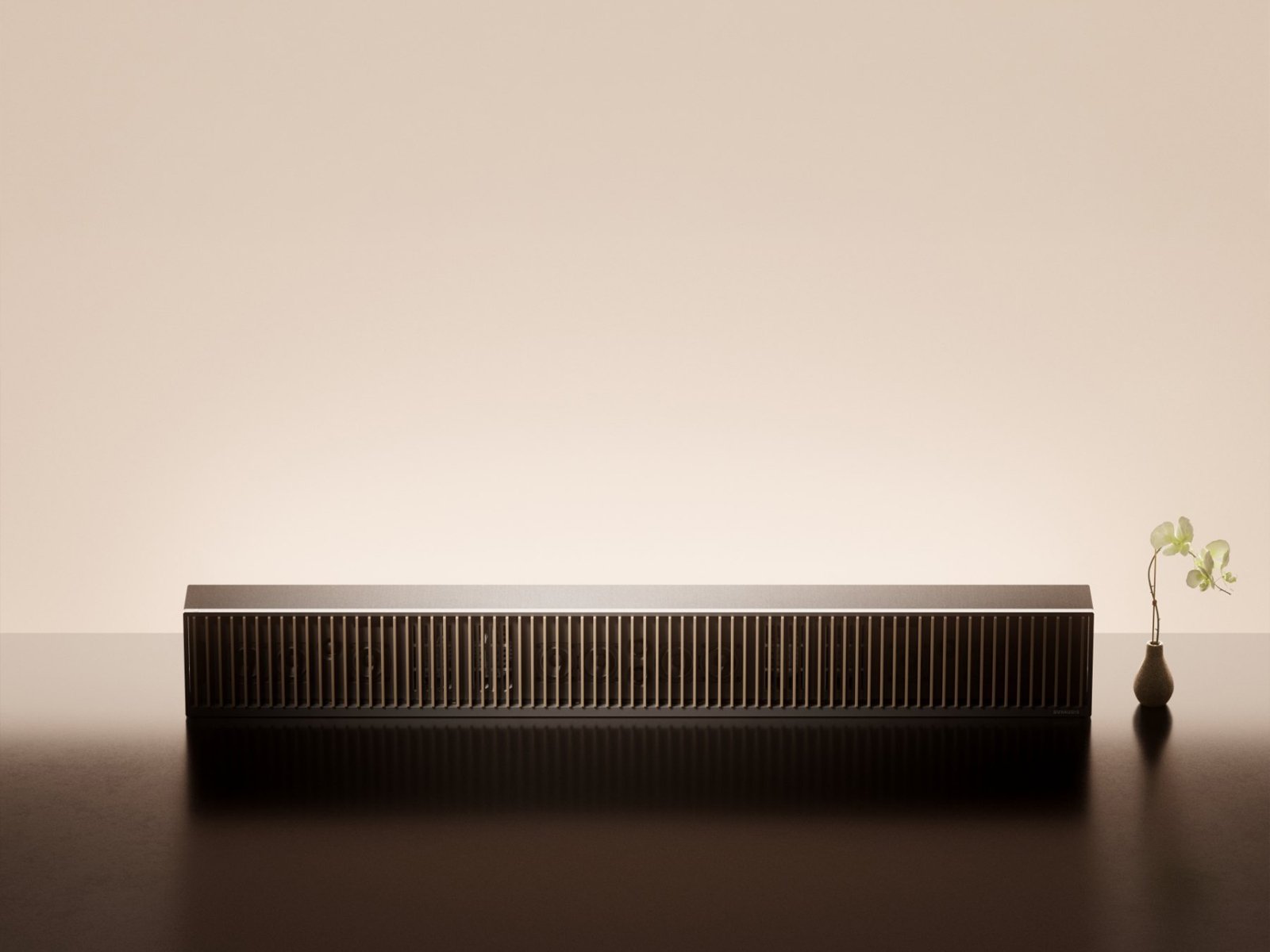
A Music-Centred Experience
Opus One comes with the Symphony Remote, featuring a precision-machined aluminium body, a high-resolution display, and intuitive physical controls centred around a tactile rotary dial.
Together with the Dynaudio Symphony app, it provides seamless access to music, system settings, and future ecosystem features — creating a simple, unified listening experience.
Interfaces
- 01 AC Power input
- 02 HDMI eARC port
- 03 Ethernet port
- 04 Line input
- 05 USB-C port
Use only the included power cable. Using a third-party power cord will void your warranty.
Connect Opus One to your TV's HDMI eARC port with the included cable.
For wired network connection.
3.5 mm stereo analogue audio input.
Service only.
Buttons and Control
- 01 Multi-function button
- 02 Volume down button
- 03 Volume up button
- 04 Combination buttons
- Power on or wake up Single press.
- Pause or resume Single press.
- Skip to the next track Double press.
- Skip to the previous track Triple press.
- Enter standby mode Long press for 3 seconds.
- Enter pairing mode Long press for 7 seconds.
- Volume down Single press to decrease volume stepwise. Long press to decrease volume continuously and rapidly.
- Volume up Single press to increase volume stepwise. Long press to increase volume continuously and rapidly.
- Force restart Press and hold “Multi-function” and “Volume down” simultaneously for 3 seconds.
Connections
After positioning Opus One in its intended location, or during the installation of the official Opus One stand (refer to the Opus One Stand Installation Manual), connect the system using the included cables.
- Disconnect your TV from any existing home theatre or external audio system.
- Connect external source devices, such as a streaming player or Blu-ray player, directly to your TV.
- Turn on your TV before setup.
Connect the included power cable to the AC input port, then plug it into a grounded mains outlet (100-240 V~, 50/60 Hz).
For safety and optimal performance, use only the included power cable.
Connect the included A/V cable between Opus One and your TV's HDMI eARC/ARC port.
For the best audio experience, use an HDMI eARC connection. Depending on your TV model, HDMI-CEC may need to be enabled in the TV settings.
Connect an Ethernet cable for a stable wired network connection.
Connect an analogue audio source using a 3.5 mm stereo cable.
First-Time Setup
Before powering on, ensure all connections have been completed correctly.
Press the multifunction button briefly to power on Opus One. System startup takes approximately 40 seconds. During startup, the wooden grilles open automatically and the status indicator illuminates solid white.
If no audio source is detected, the indicator flashes white until a source becomes available.
Switch your TV to the HDMI eARC input connected to Opus One using your TV remote.
Follow the on-screen instructions displayed through the built-in Symphony OS, or complete setup using the Dynaudio Symphony app.
Once setup is complete, Opus One is ready for use.
Settings
The following settings are available via the system menu, Dynaudio Symphony app, or Symphony Remote.
Spatial effect: adjusts the perceived spaciousness for spatial audio content. Tone: adjusts high / low frequency balance (brighter or more powerful).
Connect via Wi-Fi.
Connect via Ethernet (cable required).
Enter pairing mode (long-press multi-function button for 7 seconds), then pair from your device.
Automatically detects and switches when a 3.5 mm cable is connected.
Enable or disable most fin motion functions.
If enabled, the speaker enters standby after 30 minutes of inactivity or no playback.
If enabled, the speaker sleeps when the TV turns off. Requires TV CEC support and may not work with all TVs.
Enable or disable the microphone, used only for room calibration.
Starts the room calibration procedure.
Select system language.
Select your region.
Check for and install firmware updates online.
Play the official introductory video.
View product information.
Register your product, if this was not done during initial setup.
Reset all settings to factory defaults - use with caution. A factory reset will not erase your Opus One?s room calibration data.
Fins Interaction
The Opus One fins respond to system status, sound modes, and user commands. More interactions will be added via OTA updates.
Animation: fins open in sequence.
Animation: fins close in sequence.
Animation: setup greeting motion.
Animation: mode-specific fin gesture.
Animation: setting-specific fin gesture.
Animation: fins respond to volume level.
Indicator
The Opus One indicator light indicates the speaker status and the type of input source.
Standby / powered off
Pairing mode
Factory reset / source connection failure / firmware update failure
Normal operation
No source connected
Device fault
Dolby Atmos playback
Firmware update in progress
DTS:X playback
AURO-3D playback
Troubleshooting
The following provides common issues you may encounter during daily use and their corresponding solutions. If your problem remains unresolved, please contact Dynaudio customer service or your dealer.
Incorrect input source selected
Check and select the correct source (HDMI, Bluetooth, line-in, etc.) and ensure the source is playing.
Source device muted or volume too low
Unmute and raise volume on the source device.
TV HDMI connection issue
Verify the A/V cable is connected to the TV?s eARC/ARC port; set TV audio output to external speaker / ARC / eARC (naming varies by brand).
Speaker not powered on
Ensure Opus One is properly connected to mains and the indicator is lit.
Overheat protection due to poor ventilation
Clear obstructions and ensure vents are unblocked.
Power supply problem
Verify mains voltage meets 100-240 V~ 50/60 Hz.
A/V cable not connected to eARC/ARC port
Connect to the TV?s dedicated HDMI eARC/ARC port.
TV CEC not enabled
Enable HDMI CEC in TV settings (name may differ by brand).
Faulty HDMI cable
Try a different HDMI cable.
Not in pairing mode
Long-press the multi-function button for 7 seconds to enter pairing mode (white flashing).
Device out of range
Ensure Bluetooth device is within 10 m.
Already connected to another device
Disconnect other Bluetooth devices and retry.
Low battery
Charge via USB-C cable.
Remote not paired
Re-pair the remote following the instructions.
Foreign object obstruction
Check grille slots for obstructions - do not force.
Motor failure
Contact after-sales service.
Phone and speaker not on same Wi-Fi network
Ensure both are on the same network.
Speaker not network-configured
Complete network setup via the TV-based system menu.
Care and Safety Notes
To extend the service life of the product, please observe the following precautions during daily use.
- Unplug the power cable if the Opus One will not be used for an extended period.
- Avoid using during thunderstorms - unplug when possible.
- Do not place any liquid-filled objects (e.g. vases) on the Opus One.
- Clean with a dry cloth - do not use chemical solvents or liquids.
- When installing with the supplied stand, strictly follow the installation instructions - improper installation may cause tipping or falling.
- Do not place the Opus One on unstable surfaces.
- Never cover the Opus One during operation - maintain good ventilation to prevent overheating.
- Use furniture that can safely support the unit - ensure the Opus One does not overhang edges.
- If placing on tall furniture, secure both furniture and Opus One to an appropriate support.
- Do not place cloth or other slippery materials between the Opus One and supporting furniture.
- The Opus One contains magnetic fields - keep magnetically sensitive devices (e.g. pacemakers, magnetic cards) at least 10 cm away.
- Avoid prolonged high-volume listening to prevent hearing damage.
- Contains rigid metal components - maintain clearance to avoid injury or furniture damage from collision.
- Instruct children not to climb furniture to reach the speaker or its remote.
Important Safety Instructions
- Read these instructions.
- Keep all warnings.
- Follow all instructions.
- Do not use this apparatus near water.
- Clean only with a dry cloth.
- Do not block any ventilation openings. Install in accordance with the manufacturer's instructions.
- Do not install near heat sources such as radiators, heat registers, stoves, or other apparatus (including amplifiers) that produce heat.
- Do not defeat the safety purpose of the polarised or grounding-type plug.
- Protect the power cord from being walked on or pinched, particularly at plugs, convenience receptacles, and the point where it exits the apparatus.
- Use only attachments/accessories specified by the manufacturer.
- Use only with the stand, bracket, or package specified by the manufacturer, or sold with the apparatus. When a cart is used, use caution when moving the cart/apparatus combination to avoid injury from tip-over.
- Unplug this apparatus during lightning storms or when unused for long periods.
- Refer all servicing to qualified service personnel. Servicing is required when the apparatus has been damaged in any way, such as power-supply cord or plug is damaged, liquid has been spilled or objects have fallen into the apparatus, the apparatus has been exposed to rain or moisture, does not operate normally, or has been dropped.
- To completely disconnect this apparatus from the mains, disconnect the power plug from the mains socket.
- The mains plug or appliance coupler shall remain readily operable.
- Do not place naked flame sources, such as lighted candles, on the apparatus.
- This apparatus shall be connected to a mains socket outlet with a protective earthing connection.
- This apparatus shall not be used in tropical climates.
Specifications
28-channel Class-D amplifier, maximum output power 1500 W
Tweeters x 6, midrange drivers x 14, dual-diaphragm bass drivers (TurboBass) x 4
29 Hz - 21 kHz
116 dB @ 1 m
Dolby Atmos, Dolby Digital, Dolby Digital Plus, Dolby TrueHD, Dolby MAT; DTS:X, DTS-HD Master Audio, DTS Digital Surround; AURO-3D; PCM Multichannel
AAC / HE-AAC, MP3, WAV, FLAC, ALAC
Night mode, Voice enhancement mode
Tone (bright / powerful), Spatial effect (wide / standard / focused)
Bluetooth 5.4 (BLE/EDR), codecs: SBC, AAC, LDAC. Dual-band Wi-Fi 6 (2.4 GHz / 5 GHz).
AirPlay 2, Roon Ready, ACConnect
HDMI eARC x 1; AUX 3.5 mm mini jack x 1; USB-C x 1 - service only; Ethernet RJ45 x 1
Playback control, speaker settings
Playback control, speaker settings, content casting
1864 mm (W) x 236 mm (H) x 207 mm (D)
45 kg
Light oak, walnut
100-240 V ~ 50 / 60 Hz
? 0.5 W. Requires 16 minutes to enter the mode.
? 0.5 W. Does not enter automatically.